Meet Agentic Hub
Tell AI what you want. Brightcove does the work.
Work with Brightcove through AI, inside Video Cloud or wherever you already use it.
What can Agents do for you?
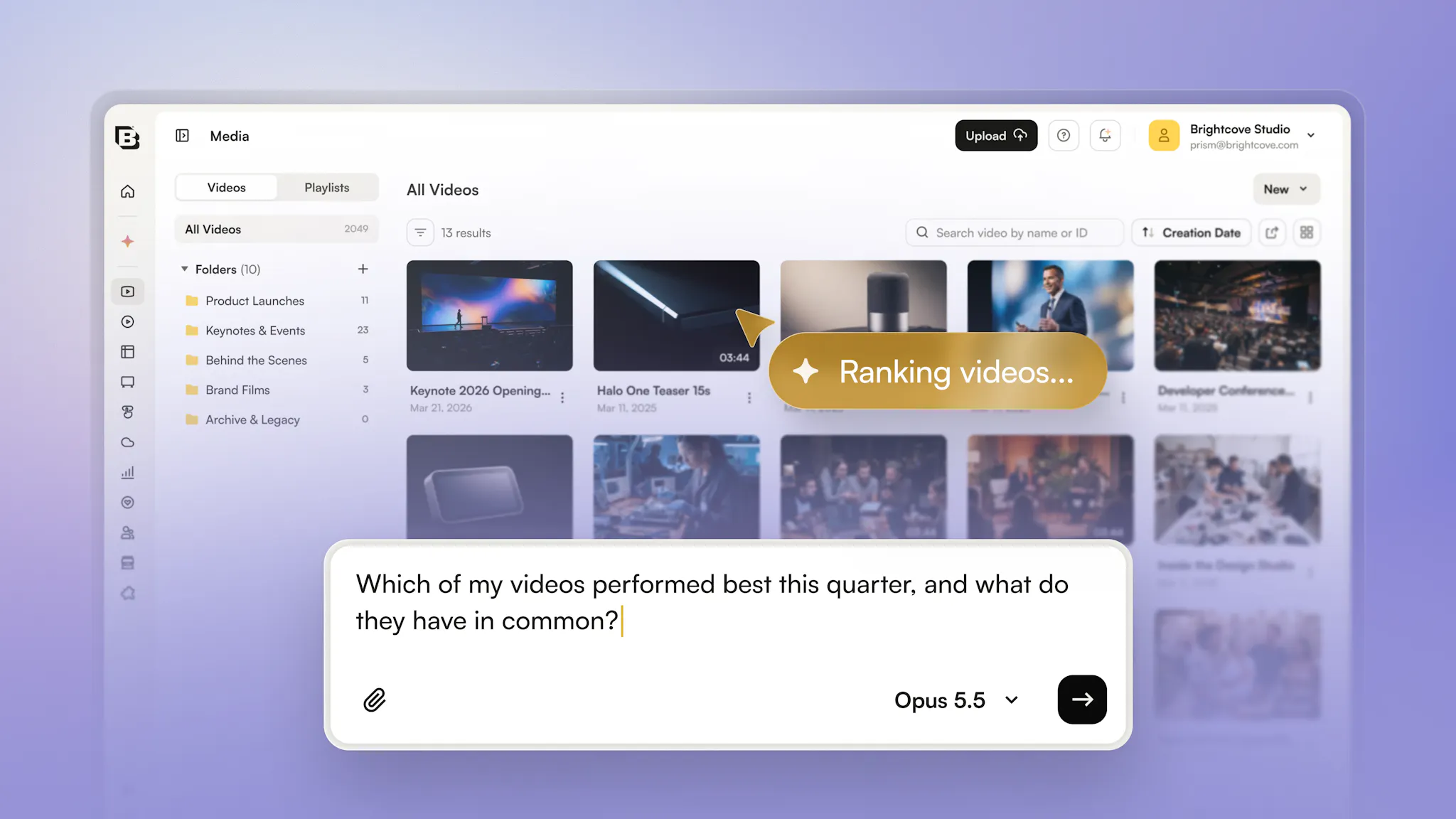
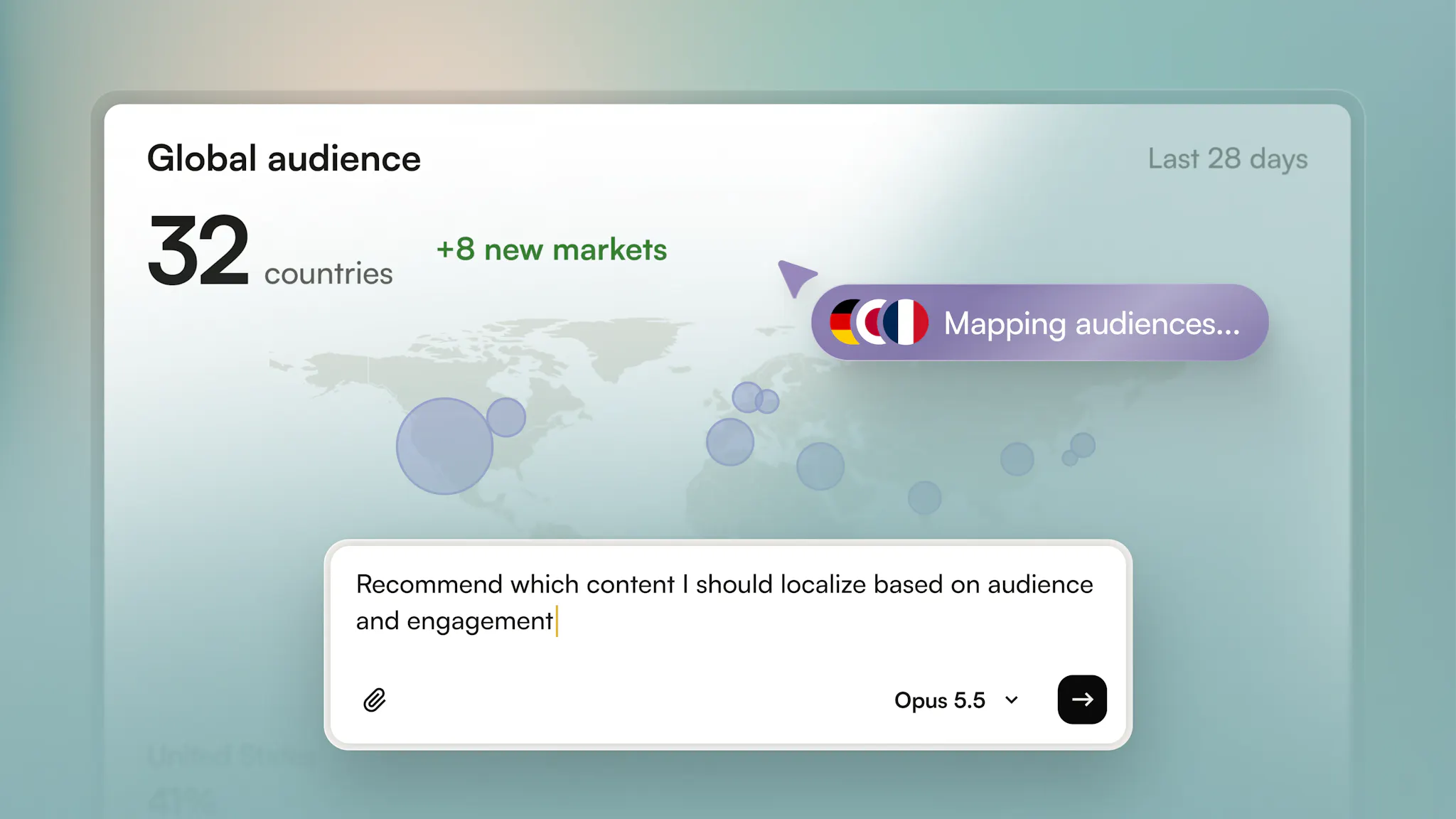
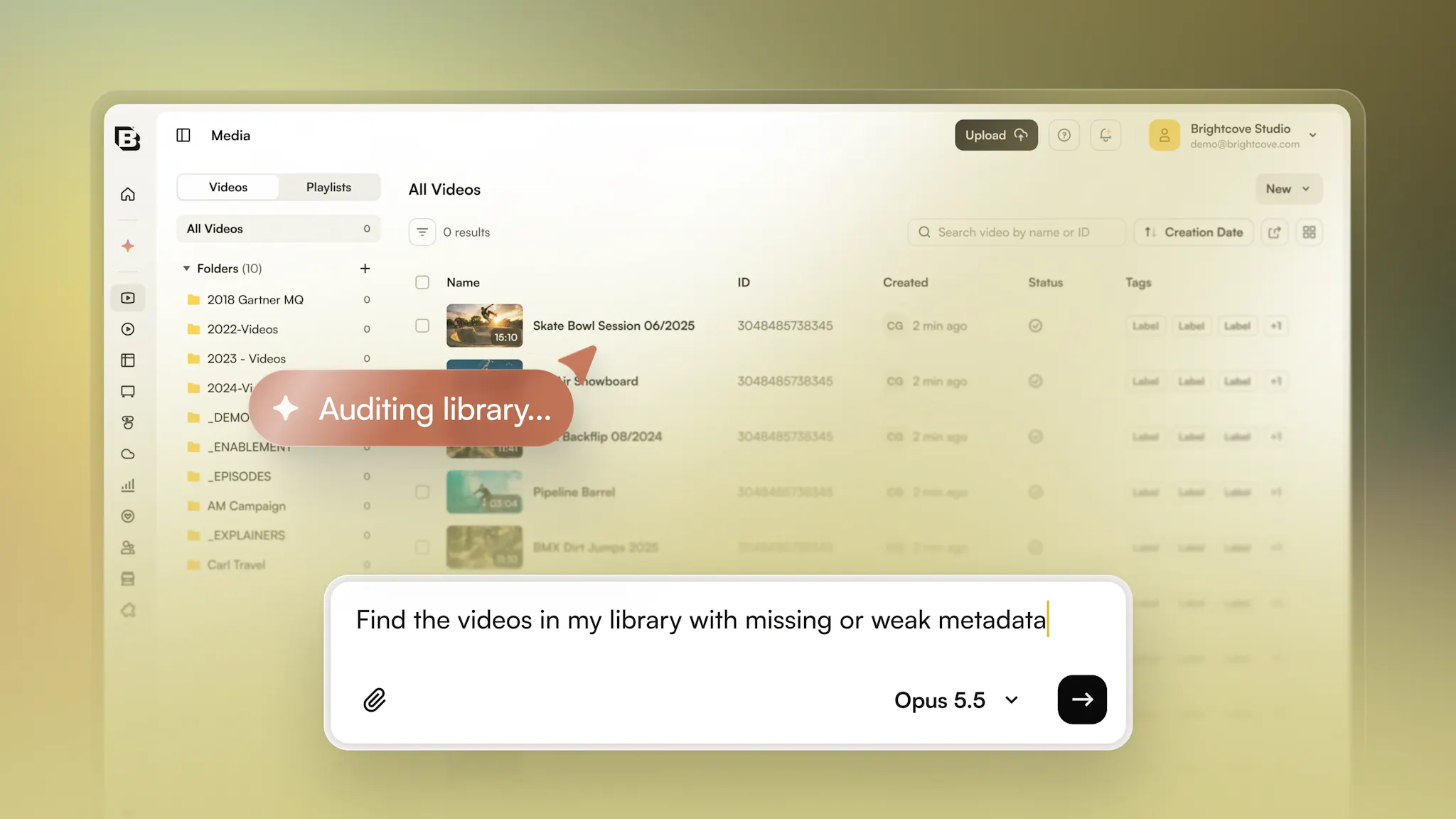
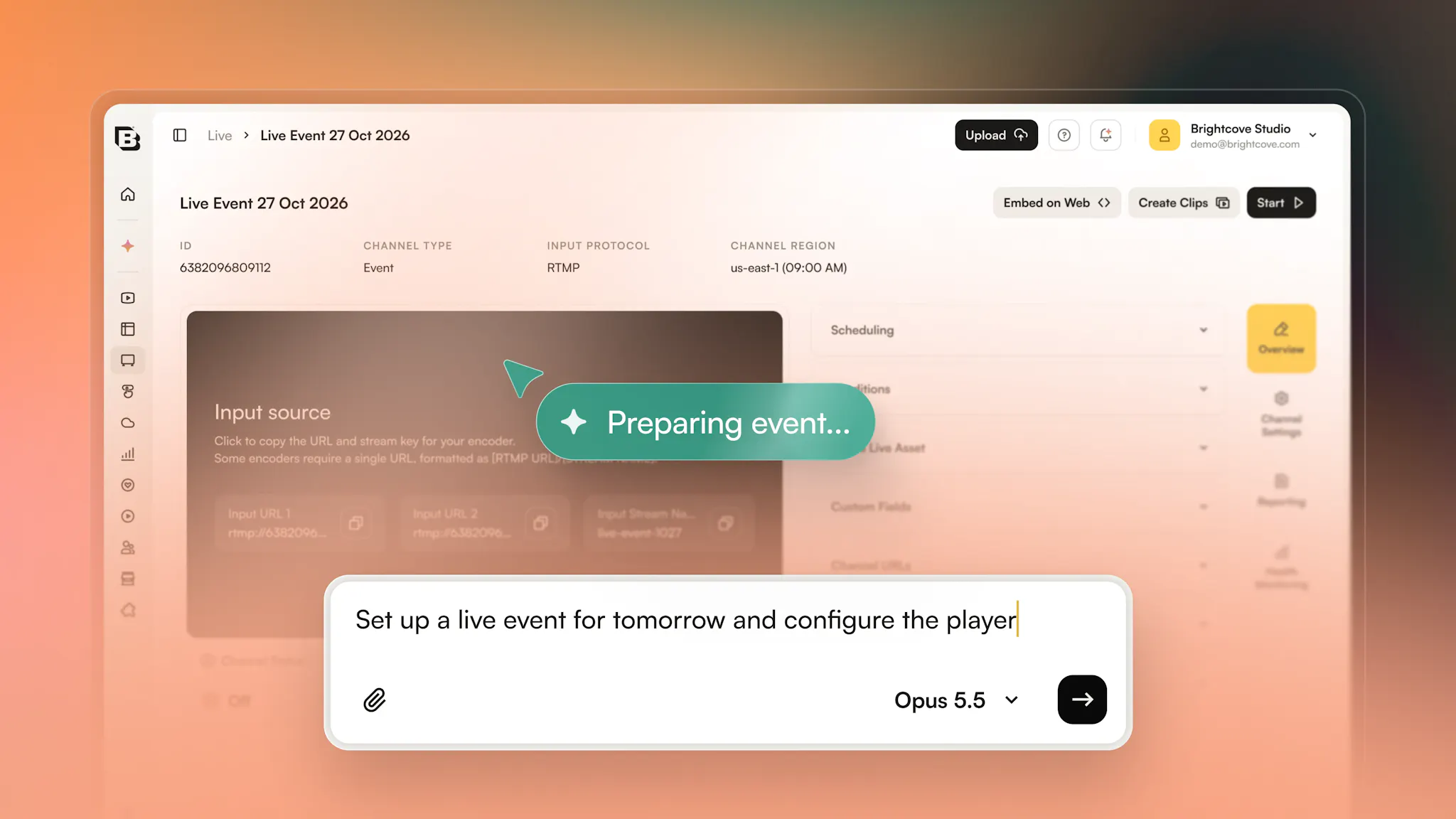
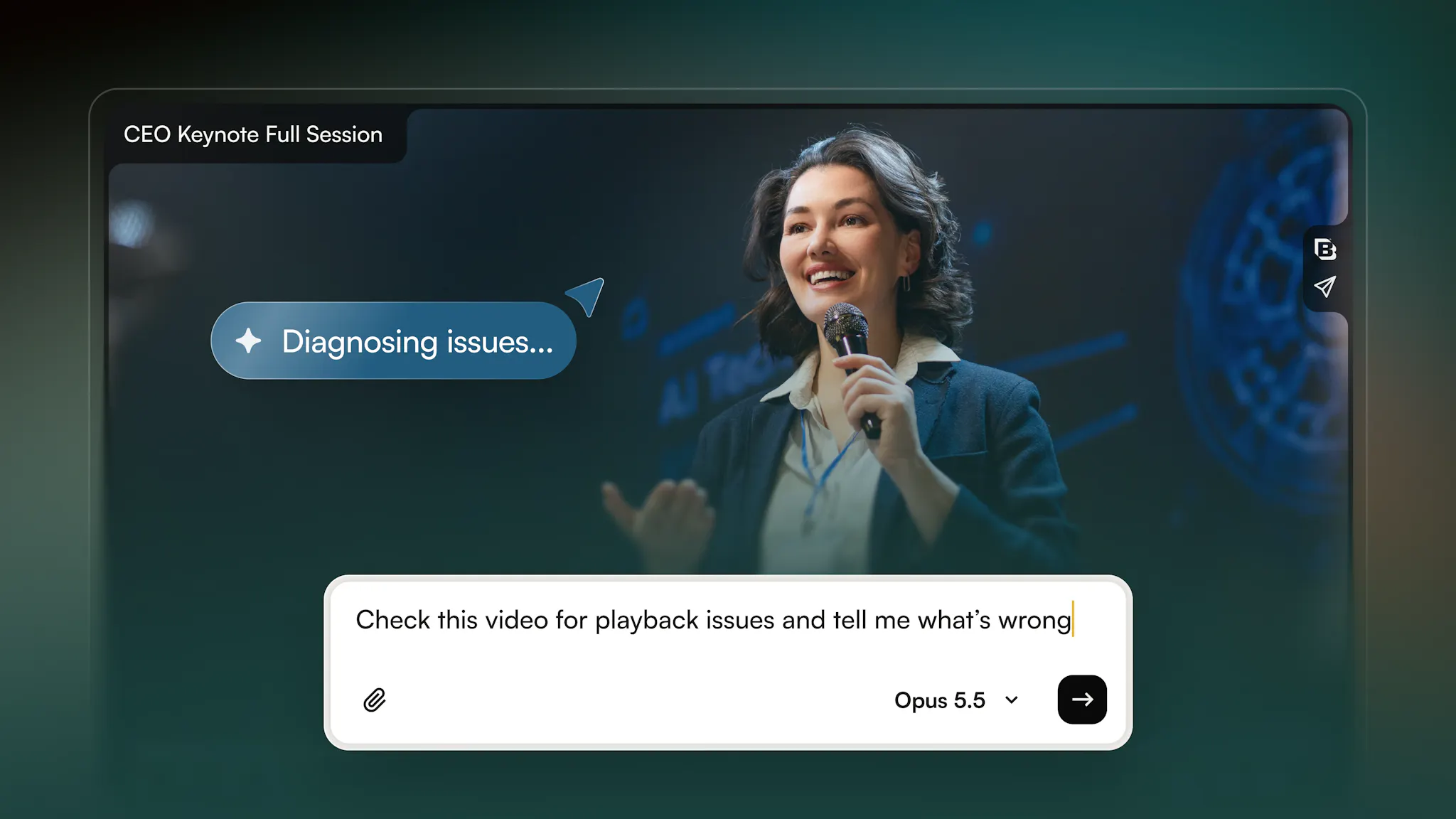
See what’s working
Understand performance, spot trends, and uncover opportunities across your video and advertising data.
Ask, review, done.
You set the intent. AI handles the execution. You stay in control.
- 01.
Ask
Describe what you want in natural language.
- 02.
Understand
Agentic Hub works with your Brightcove content, data, and capabilities to understand the request.
- 03.
Plan
It works out the actions needed to achieve the outcome.
- 04.
Review
You see what it plans to change before anything is applied.
- 05.
Act
Approve the action and Agentic Hub carries out the work through Brightcove.
AI that works within your controls
Agentic Hub is designed to act within the permissions, approvals, and data controls already in place.
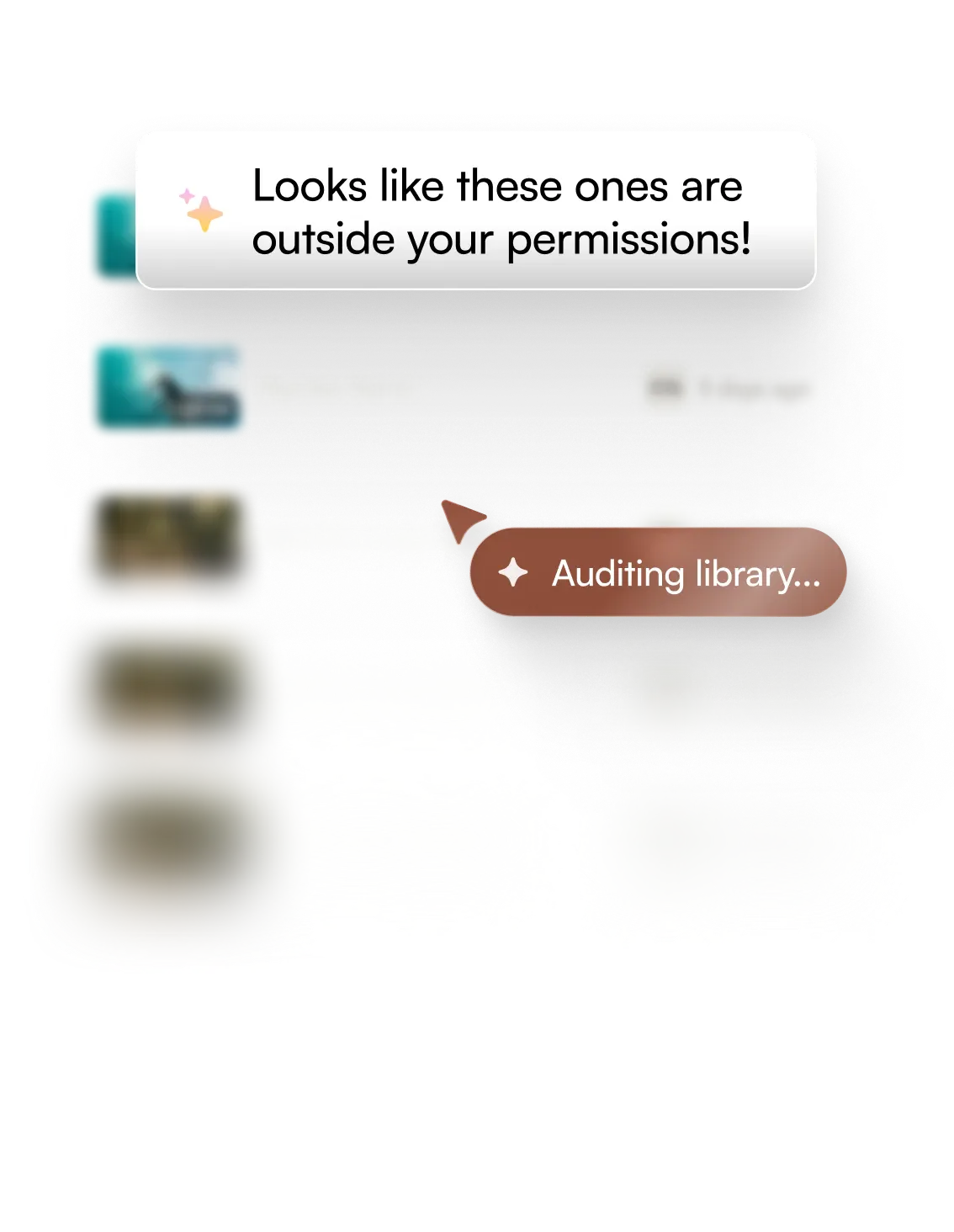
Your permissions applied
Agentic Hub only accesses the content and capabilities available to the signed-in user.
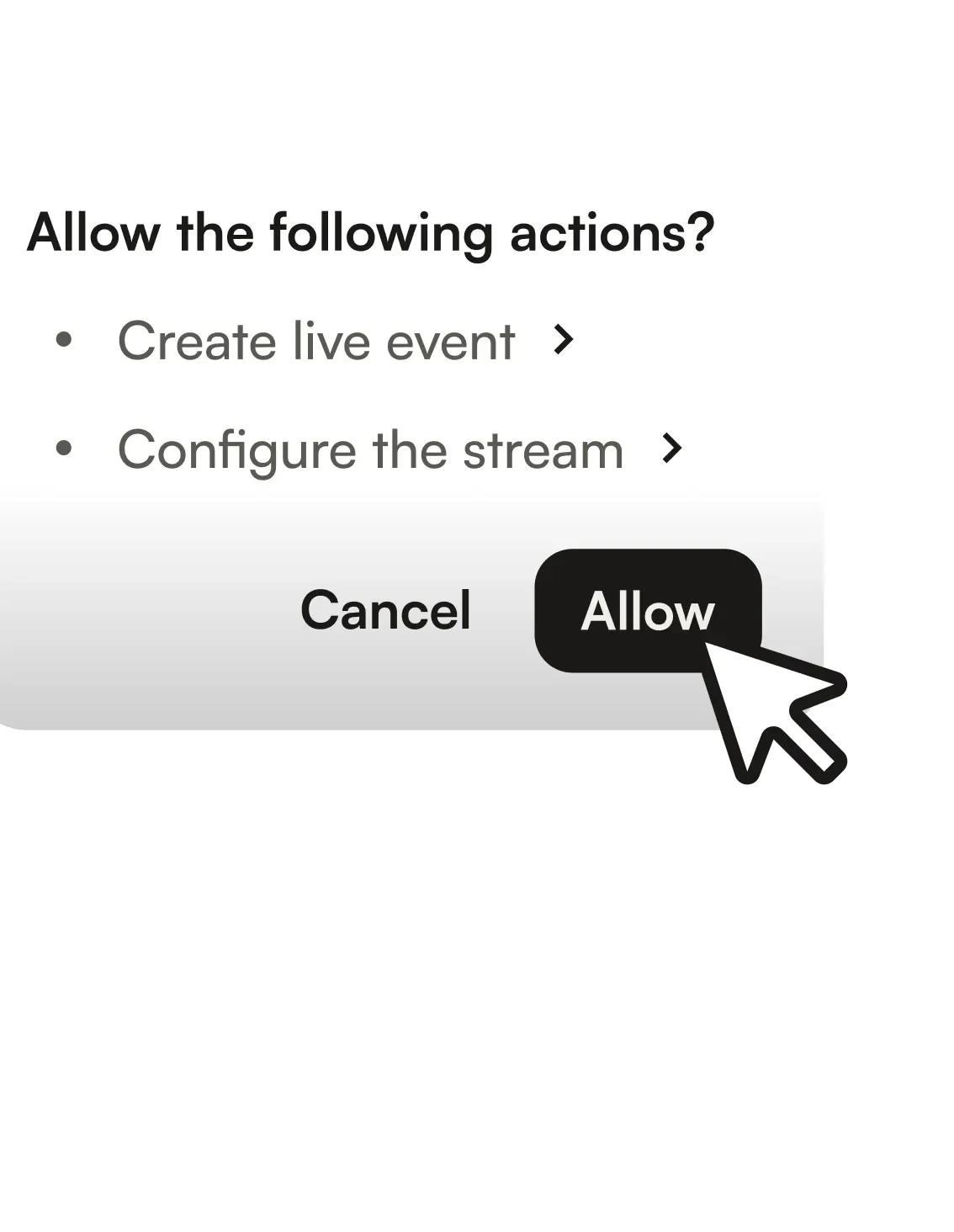
You approve changes
Before making changes, Agentic Hub shows you what it plans to do and waits for your confirmation.
Your data stays under your control
Customer content is not used to train AI models without explicit consent. Brightcove also supports Zero Retention Mode across its AI integrations.

Explore Brightcove MCP
Connect your agents to Brightcove and bring video workflows into the AI tools your team already uses.
FAQ
Agentic Hub works within the user's existing permissions and cannot access anything the user cannot. The user approves the plan before any account changes run — a large batch of edits can be approved in one go, and nothing runs without that approval.
Yes, admins can restrict access to the Agentic Hub by removing the relevant permission from specific roles in the Admin module. Any user whose role lacks that permission cannot access it.
We are actively exploring broader support for a wider variety of use cases, scheduled prompts for recurring everyday actions, and custom dashboards for Agentic Hub.

Put AI to work across your video operation
Use Agentic Hub inside Brightcove or connect Brightcove to the AI tools your team already uses.